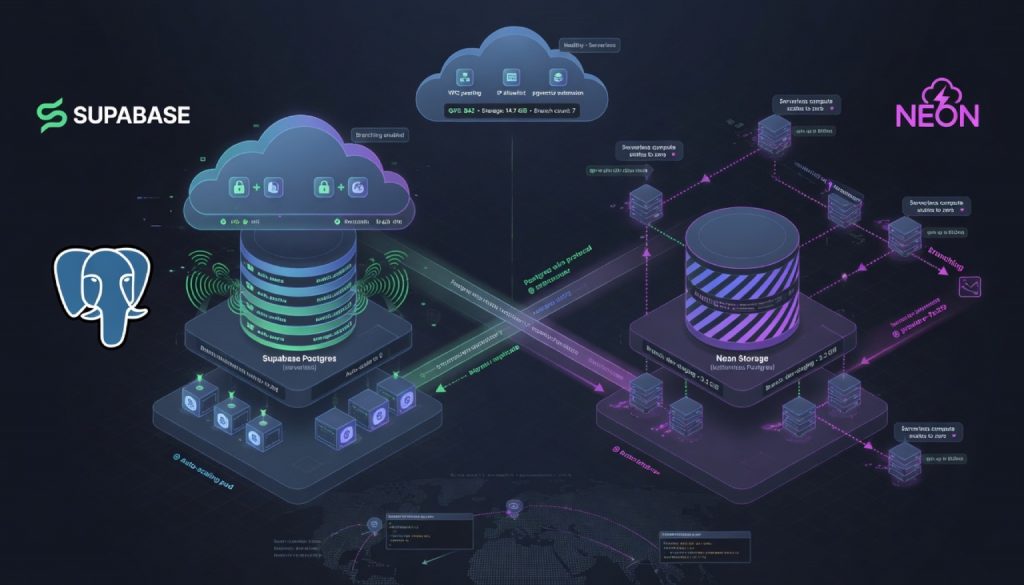
Serverless Postgres has become the default database choice for modern web applications. If you’re building with Next.js, Remix, or any framework that deploys to edge runtimes, the database decision comes down to two frontrunners: Supabase and Neon.
They solve the same core problem (managed Postgres without server maintenance) but take fundamentally different approaches. Supabase bundles authentication, storage, and realtime features into a single platform. Neon focuses exclusively on making Postgres behave like a true serverless resource with automatic scaling and instant branching.
This comparison breaks down what matters for production decisions: architecture tradeoffs, real cost differences, performance characteristics, and developer experience.
Architecture Philosophy: Platform vs Pure Database
Supabase: The Backend-as-a-Service Play
Supabase positions itself as the open-source Firebase alternative. Postgres is the foundation, but the value proposition extends far beyond the database:
- Auth: Email, OAuth, magic links, MFA. Ships with Row Level Security integration out of the box.
- Storage: Object storage with automatic image transformations and CDN delivery.
- Realtime: WebSocket-based subscriptions powered by Postgres logical replication.
- Edge Functions: Serverless compute on Deno runtime, deployed globally.
The entire stack is open source (Postgres + PostgREST + GoTrue + Realtime), and self-hosting is a real option. For teams that want a single vendor handling auth, storage, and database, Supabase eliminates integration overhead.
Neon: Pure Serverless Postgres
Neon does one thing: make Postgres scale like a serverless function. Three innovations define its architecture:
- Branching: Create isolated database copies the way Git branches code. Each pull request gets its own database branch for testing.
- Autoscaling: Compute resources adjust automatically based on load, scaling down to zero during idle periods.
- Instant Provisioning: New databases spin up in under one second with no warmup period.
Under the hood, Neon built a custom storage engine that fully separates compute from storage. Data lives in S3-compatible object storage while compute layers start and stop on demand. This is what enables the scale-to-zero behavior that defines Neon’s cost model.
The Core Tradeoff
Supabase is a platform purchase. You get infrastructure coverage across multiple concerns from a single provider. Neon is a precision tool. You get the best possible serverless database experience, then assemble complementary services yourself (Clerk for auth, S3 for storage, Trigger.dev for background jobs).
Pricing: Bundled Features vs Granular Metering
Supabase Pricing
| Tier | Monthly Cost | What You Get |
|---|---|---|
| Free | $0 | 500MB database, 1GB file storage, 50K MAU, 2GB bandwidth |
| Pro | $25 | 8GB database, 100GB file storage, 100K MAU, 250GB bandwidth, daily backups |
| Team | $599 | Team collaboration, SOC2 compliance, priority support |
| Enterprise | Custom | Dedicated infrastructure, SLA, custom configuration |
Overage charges: database storage at $0.125/GB, bandwidth at $0.09/GB. The pricing bundles auth, storage, and database into a single line item.
Neon Pricing
| Tier | Monthly Cost | What You Get |
|---|---|---|
| Free | $0 | 0.5GB storage, 3 branches, 5GB data transfer |
| Launch | $19 | 10GB storage, unlimited branches, 300 compute hours, autoscaling |
| Scale | $69 | 50GB storage, 750 compute hours, higher concurrency limits |
| Business/Enterprise | Custom | Dedicated resources, priority support |
Overage charges: storage at $3.50/GB, compute at $0.16/hour. Billing separates storage from compute, and idle databases cost nothing in compute fees.
Which Costs Less in Practice
Small projects (under 10GB data): Neon wins at $19/month, especially for apps with variable traffic. Scale-to-zero means you only pay for active compute time.
Mid-size apps needing auth + storage: Supabase’s $25 Pro tier includes authentication and file storage. Buying Clerk ($25/month) plus S3 separately adds up fast. If you need those features anyway, Supabase bundles them at a discount.
High-traffic apps with variable load: Neon’s autoscaling saves money during off-peak hours. Supabase’s always-on instances keep running (and billing) regardless of traffic patterns.
Performance: Always-On vs Scale-to-Zero
Supabase Performance Profile
Database instances run continuously. No cold start penalty, ever. The Pro tier provisions dedicated resources (2-core CPU, 8GB RAM) with built-in pgBouncer connection pooling supporting thousands of concurrent connections.
Scaling is vertical: if 8GB RAM isn’t enough, you upgrade to the Team tier at 16GB. There’s no automatic horizontal scaling. You need to estimate resource requirements in advance.
Read replicas require Enterprise tier. Multi-region deployment isn’t available on Free or Pro plans. Edge Functions deploy globally, but the database itself lives in a single region.
Neon Performance Profile
True serverless behavior: after 5 minutes of inactivity, compute suspends automatically. The next request triggers a cold start that completes in under 1 second. Two connection modes are available: HTTP for edge functions (stateless, per-query) and WebSocket for persistent connections.
Autoscaling adjusts compute between 0.25 and 8 vCPU based on query load. During traffic spikes, resources scale up automatically. During quiet periods, they shrink. The Scale tier supports up to 10 concurrent compute units.
Cross-region read replicas (Enterprise tier) enable low-latency global reads. The separation of storage and compute means data persists independently of compute lifecycle.
Benchmark Numbers
| Metric | Supabase (Pro) | Neon (Launch) |
|---|---|---|
| Cold start | None | Less than 1s (HTTP), less than 3s (WebSocket) |
| Max connections | ~1,000 | ~100 (Launch), 500+ (Scale) |
| Same-region latency | 5-10ms | 5-10ms |
| Cross-region latency | Single region only | Under 20ms with read replicas |
| Scale-to-zero | No | Yes |
For latency-sensitive applications that maintain consistent traffic, Supabase’s always-on model eliminates cold start concerns entirely. For applications with unpredictable traffic patterns or development/staging environments, Neon’s suspend-and-resume approach cuts costs without meaningful latency impact.
Developer Experience
Supabase DX
The dashboard is a full-featured admin panel: SQL editor, visual table editor, auth user management, file browser, and realtime log monitoring in one interface.
Local development uses Docker containers. Run supabase init and supabase start to get a complete local environment that mirrors production. Schema changes push to production with supabase db push.
PostgREST auto-generates RESTful APIs from your Postgres tables. The official SDKs (TypeScript, Python, Go) provide type-safe clients. You can query your database directly from the frontend without writing backend endpoints.
Auth integration takes a few lines of code. Google OAuth, GitHub login, email/password, magic links, and MFA all work through the same unified API with built-in RLS enforcement.
Neon DX
The dashboard stays minimal: create databases, copy connection strings, monitor usage. The SQL editor handles basic queries but doesn’t match Supabase’s feature set.
Branching is the standout workflow improvement. Run neonctl branches create to get an isolated database copy with its own connection string. Pair this with GitHub Actions to auto-provision a preview database for every pull request. When the PR merges, the branch deletes automatically.
The CLI focuses purely on database operations: managing branches, projects, and databases. No auth or storage commands because those aren’t Neon’s concern.
Connection flexibility matters for edge deployments. Neon supports traditional postgres:// connection strings, an HTTP API for single-query requests, and the @neondatabase/serverless driver designed specifically for Vercel Edge and Cloudflare Workers.
ORM support is broad: Prisma, Drizzle, and Sequelize all work natively. Importing existing databases via pg_dump completes in seconds.
Head-to-Head Comparison
| Dimension | Supabase | Neon |
|---|---|---|
| Positioning | BaaS platform | Pure serverless database |
| Free tier | 500MB + Auth + Storage | 0.5GB + 3 branches |
| Starting price | $25/month (Pro) | $19/month (Launch) |
| Cold start | None | Under 1 second |
| Autoscaling | No | Yes |
| Database branching | No | Yes (core feature) |
| Built-in Auth/Storage | Yes | No |
| Edge connectivity | Partial | Full support |
| Open source | Yes (full stack) | Partial |
| Connection pooling | pgBouncer | Built-in |
| Local development | Docker containers | Cloud branches |
| SQL editor | Full-featured | Basic |
| Realtime subscriptions | Yes | No |
Decision Framework
Pick Supabase When:
- You need a complete backend quickly and don’t want to stitch together multiple services
- Your team is small and wants auth, storage, and database from one provider
- Traffic patterns are stable and predictable enough to estimate resource needs
- You value open source and want the option to self-host later
- Realtime features (chat, collaborative editing, live dashboards) are part of your product
Pick Neon When:
- You only need Postgres and already have auth (Clerk, Auth0) and storage (S3, R2) sorted
- Traffic fluctuates significantly and you want costs to track actual usage
- Your CI/CD pipeline benefits from per-PR database branches for testing
- You deploy to edge runtimes (Vercel Edge, Cloudflare Workers) and need HTTP-based database access
- Cost optimization is a priority and scale-to-zero aligns with your usage patterns
The Composable Alternative
Neon (database) + Clerk (auth) + Cloudflare R2 (storage) + Trigger.dev (background jobs) gives you best-in-class tooling at each layer. The tradeoff: you own the integration work between services. No single dashboard, no unified billing, more glue code.
For early-stage teams shipping fast, Supabase reduces decisions and gets you to production sooner. For teams at scale or with strong opinions about individual components, the Neon-based composable stack offers more control and often lower costs.
Final Take
Both platforms represent the state of the art for managed Postgres in 2026. The choice isn’t about quality; both are production-ready and battle-tested.
Supabase optimizes for time-to-ship. One signup, one dashboard, one bill. Everything works together because it was built to work together.
Neon optimizes for operational efficiency. Pay only for what you use. Branch databases like code. Scale without manual intervention.
Both offer generous free tiers. The most reliable way to decide: run your actual queries against both for a week or two. Measure cold start impact on your specific access patterns, calculate real costs based on your traffic shape, and evaluate how each fits your existing toolchain. The right answer depends on your team, your traffic, and your priorities today.
Stay updated with our latest AI insights